
01 / Technical flats
Flat Fill Studio
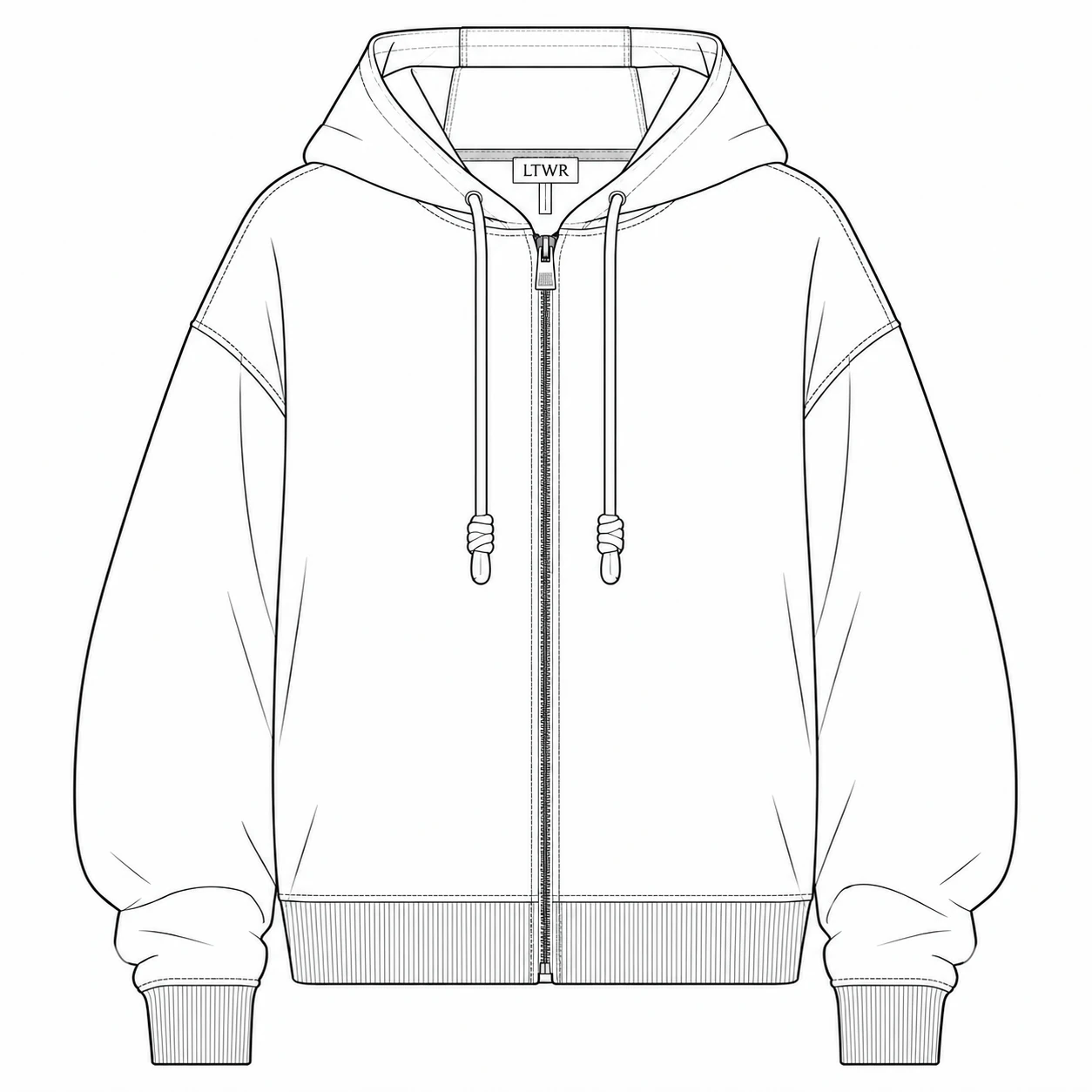
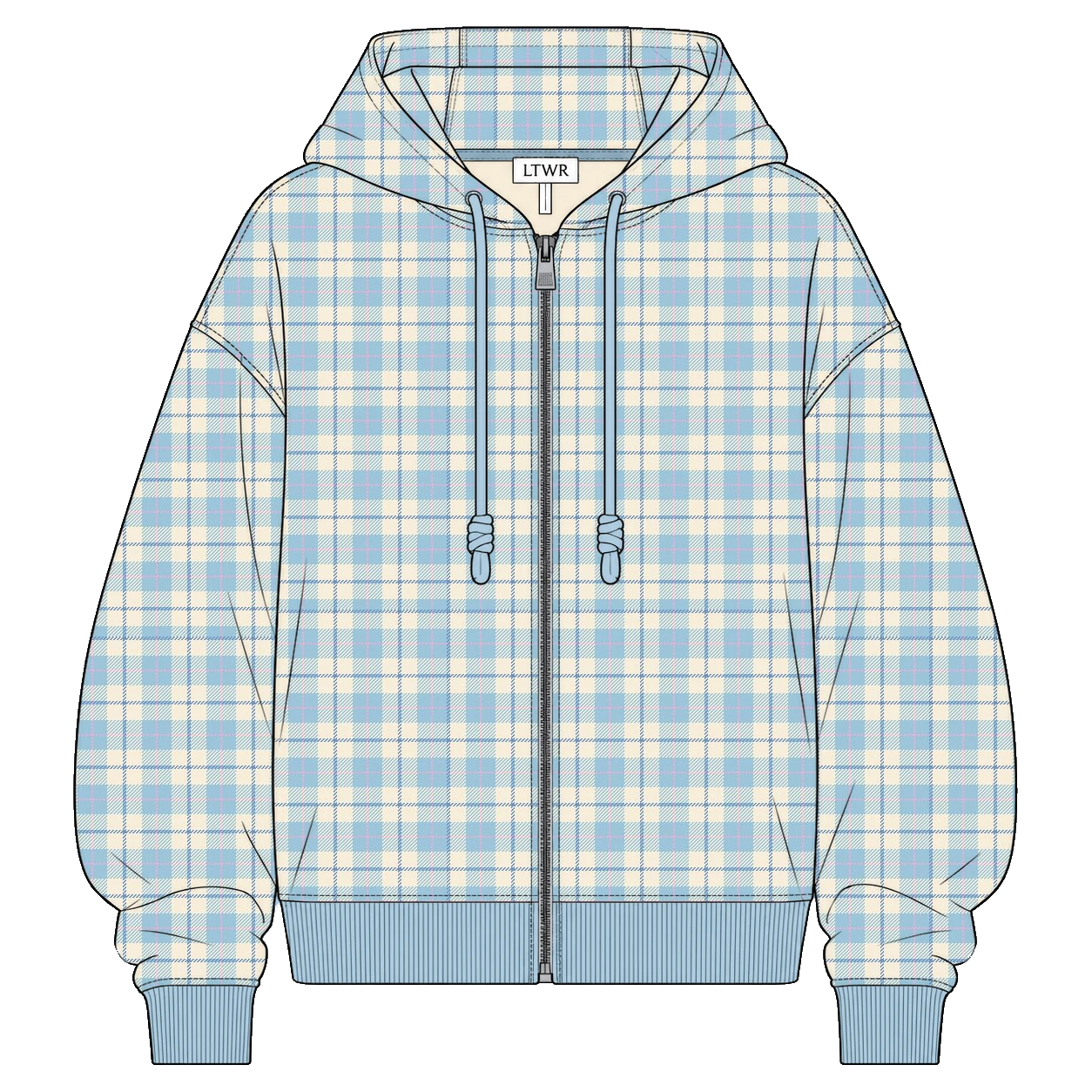
Give each area its own color or pattern.
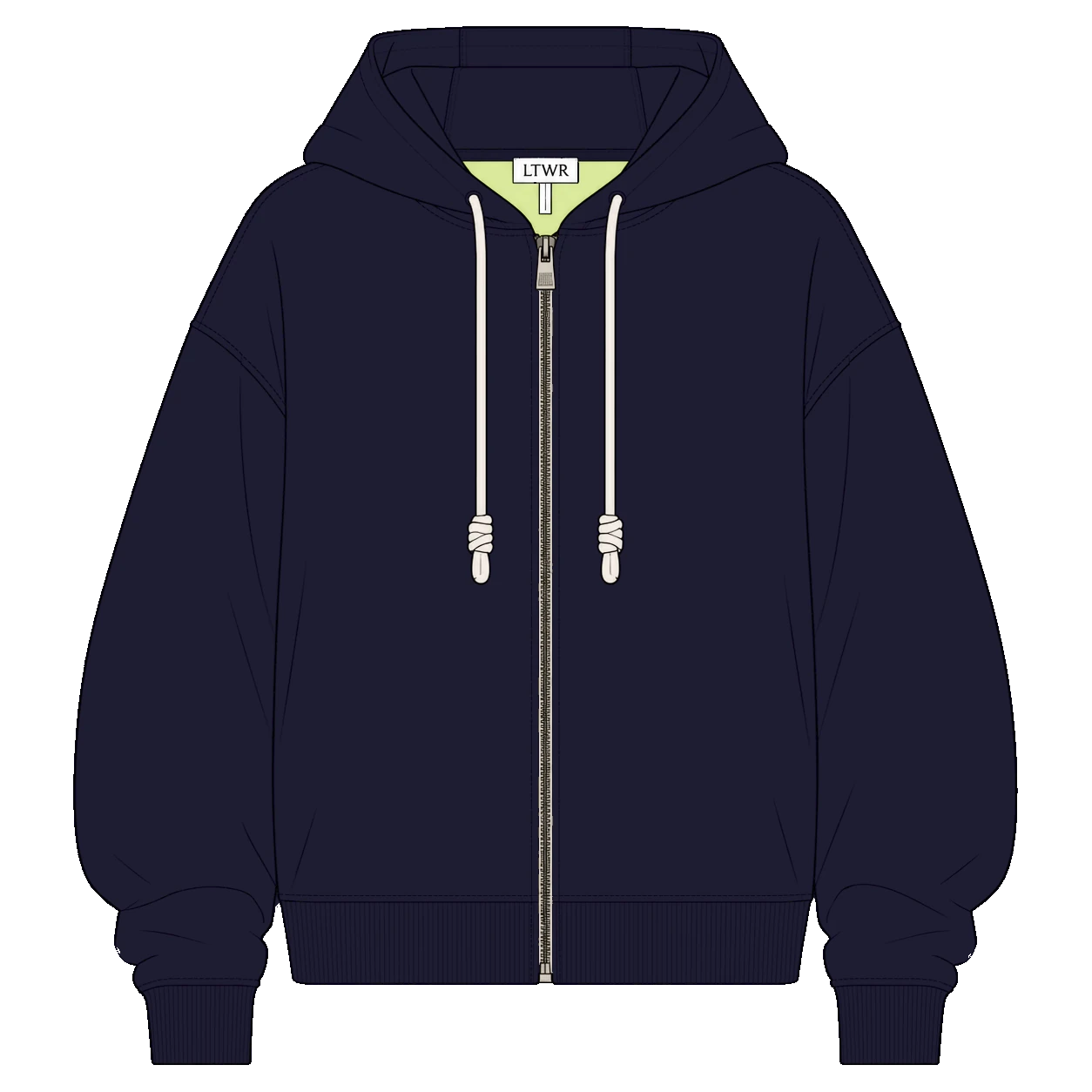
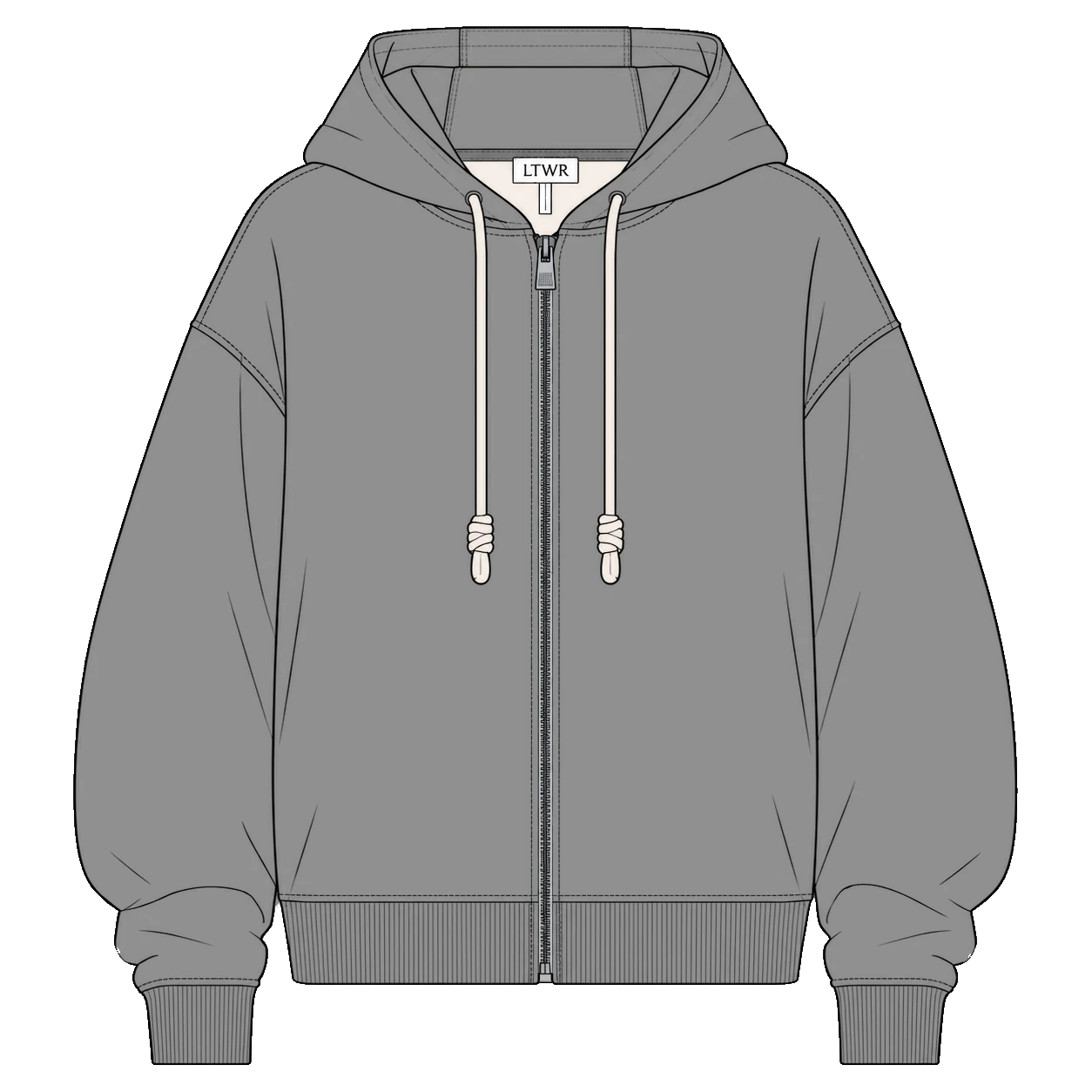
Build colorways from one technical flat.
Tools for fashion designers
Turn your technical flats and product images
into colorways, with less repetitive work.
01 / Technical flats
Give each area its own color or pattern.
Build colorways from one technical flat.
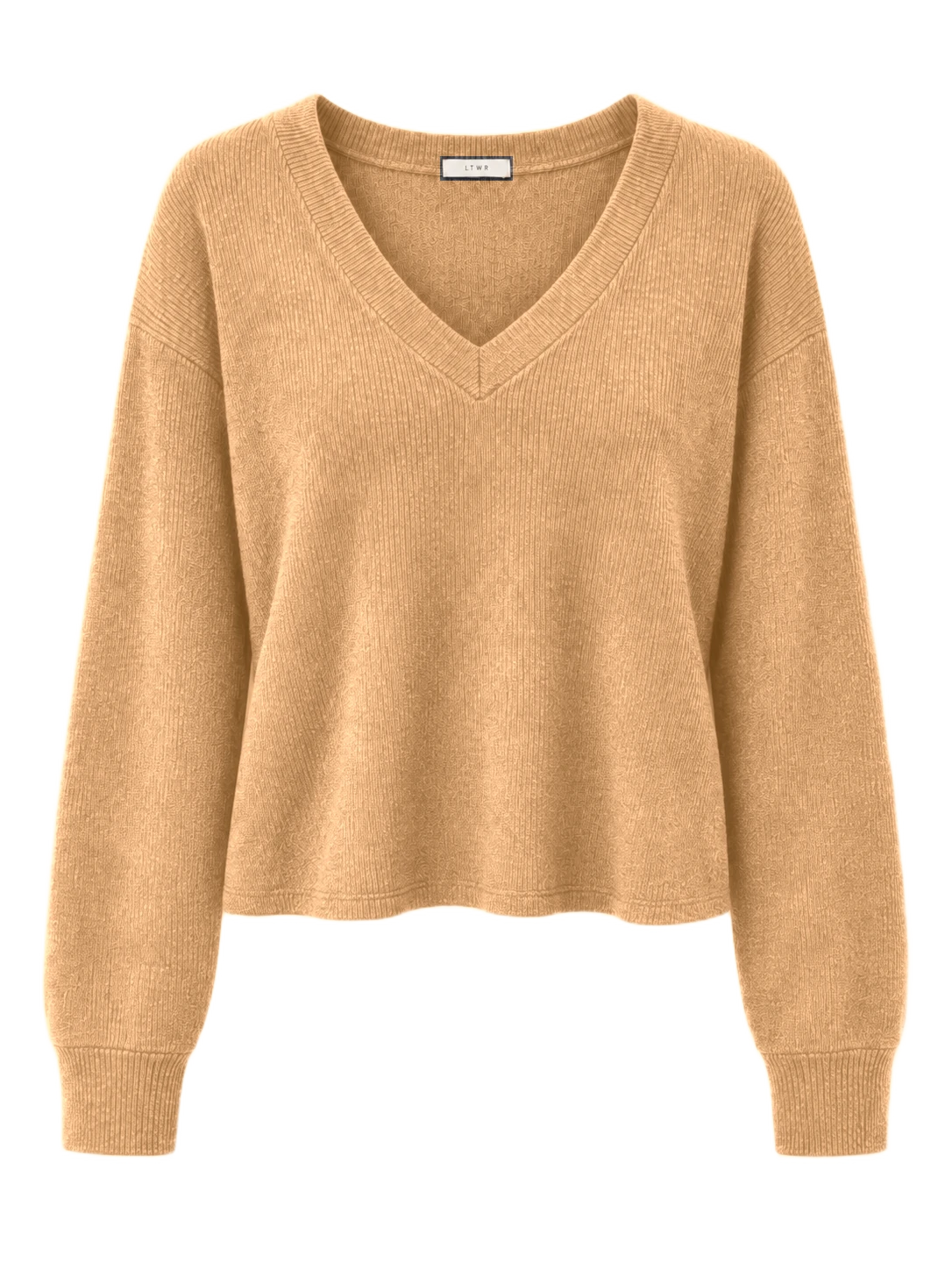
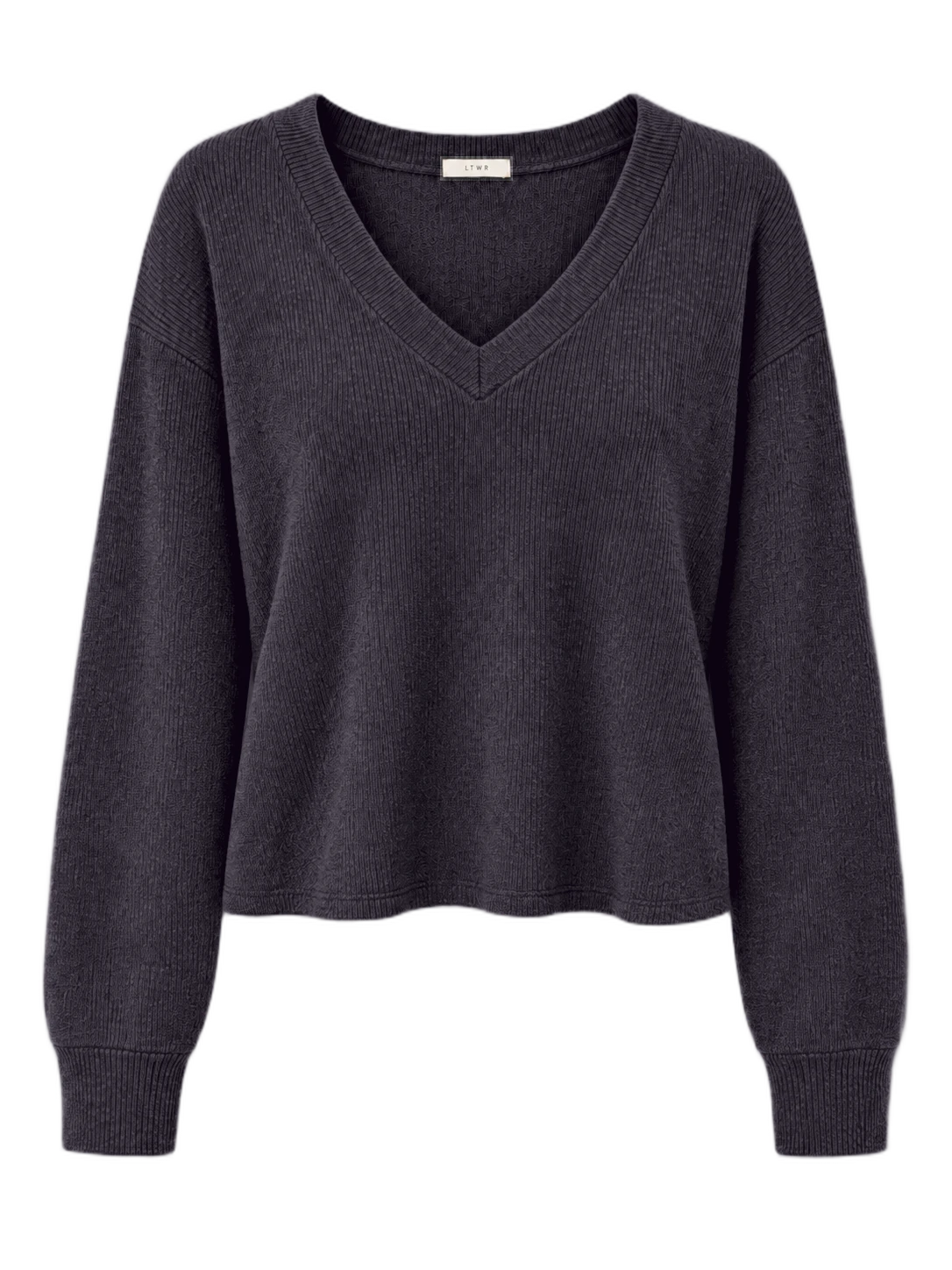
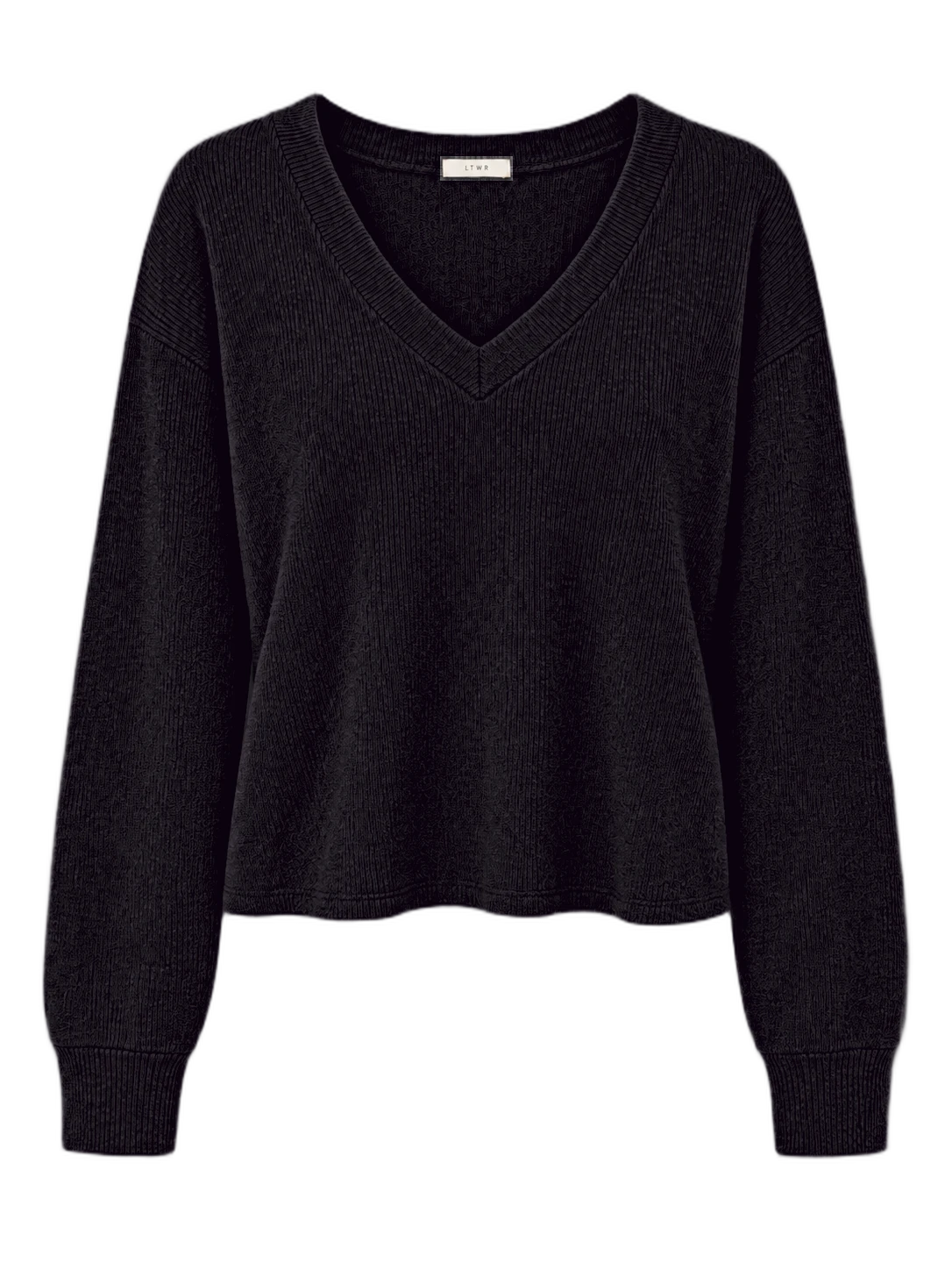
02 / Product images
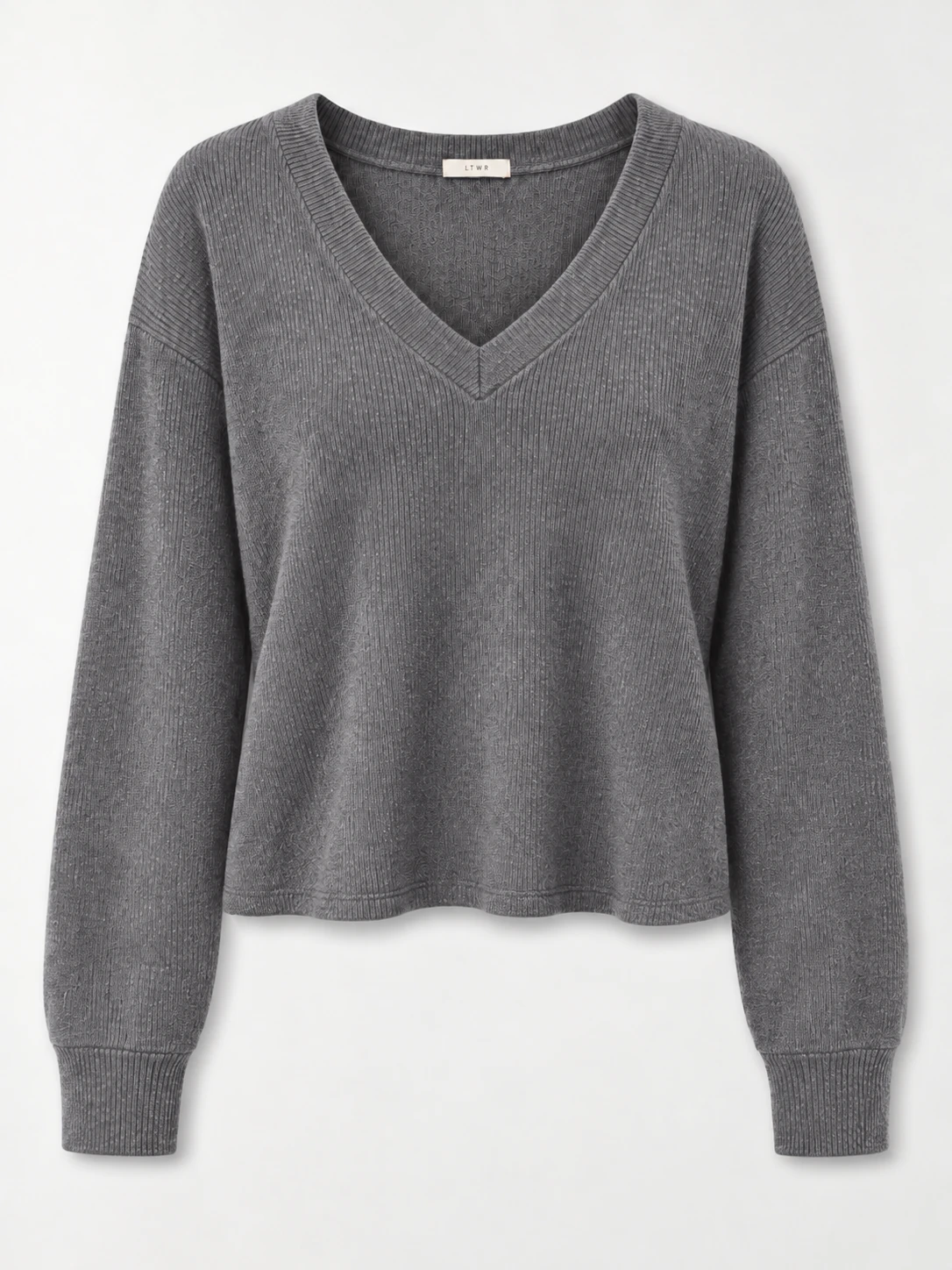
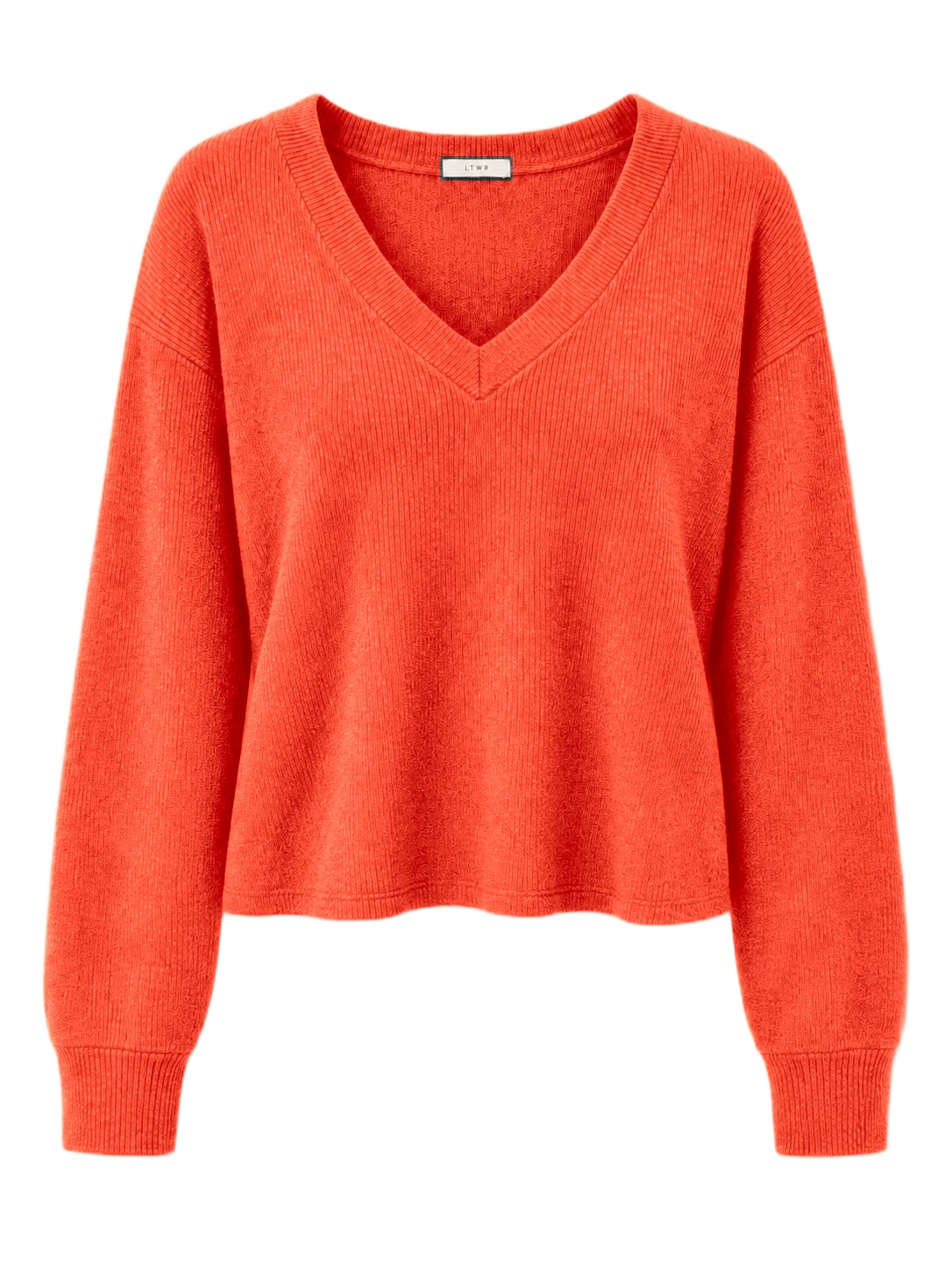
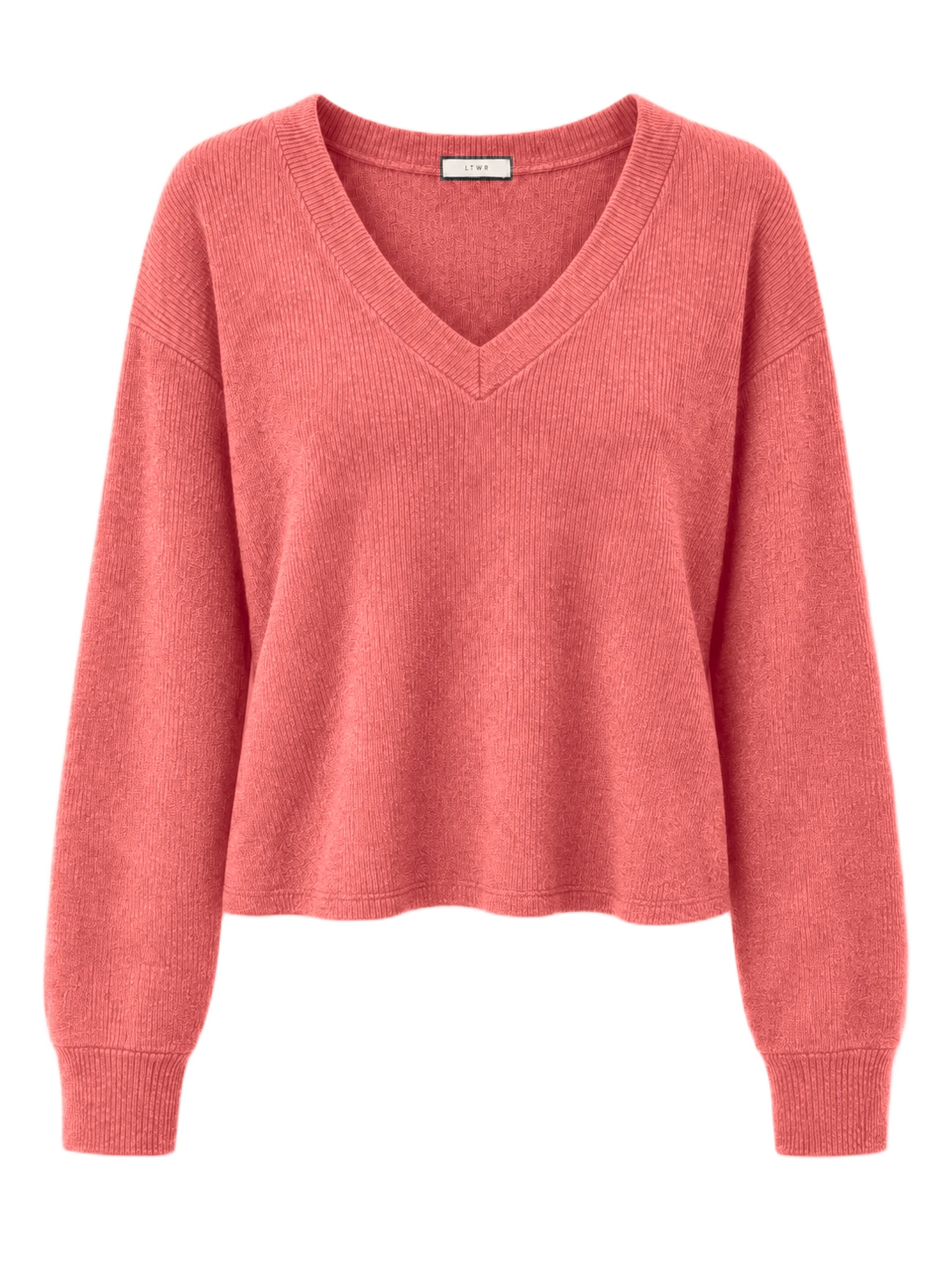
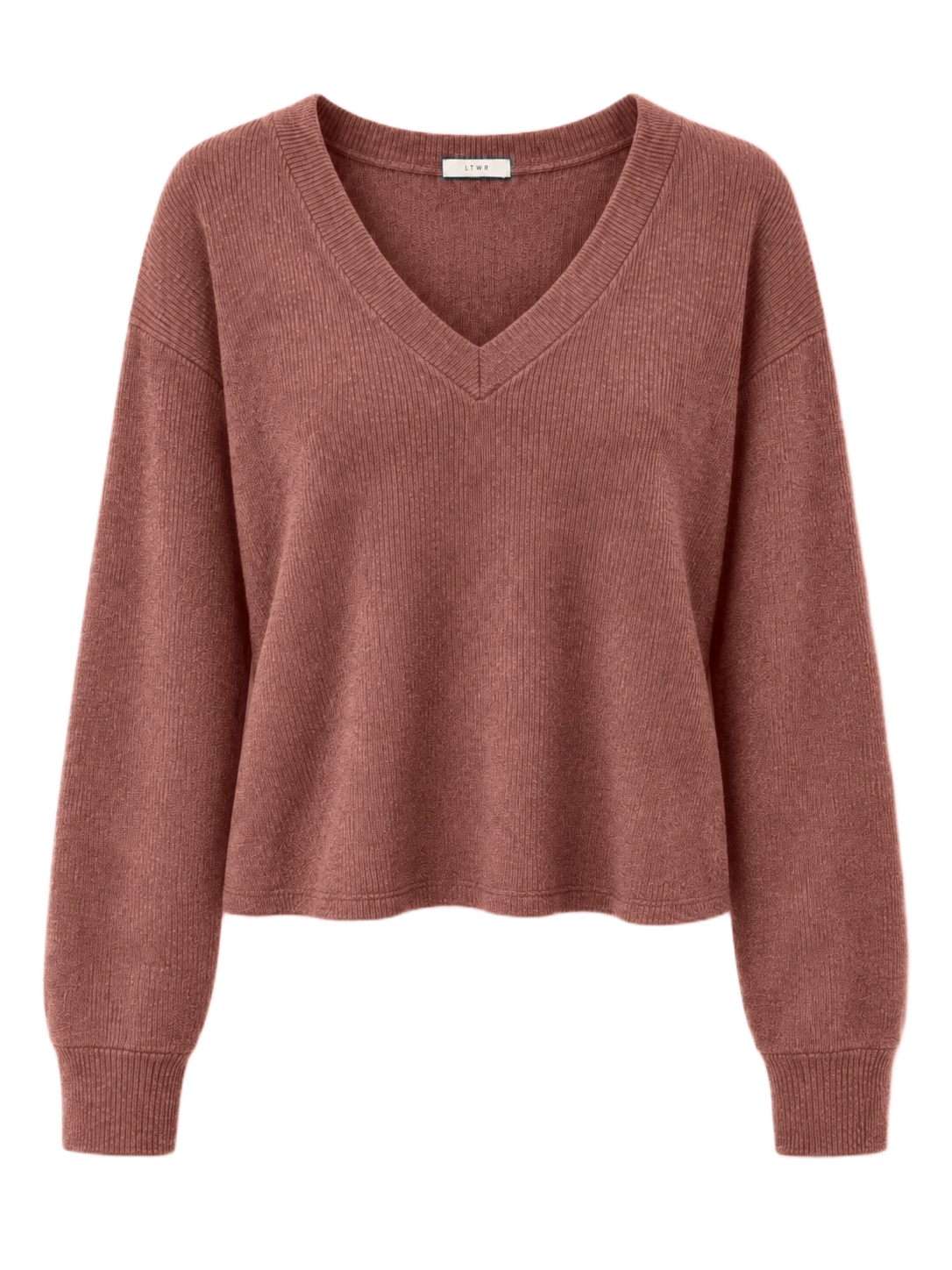
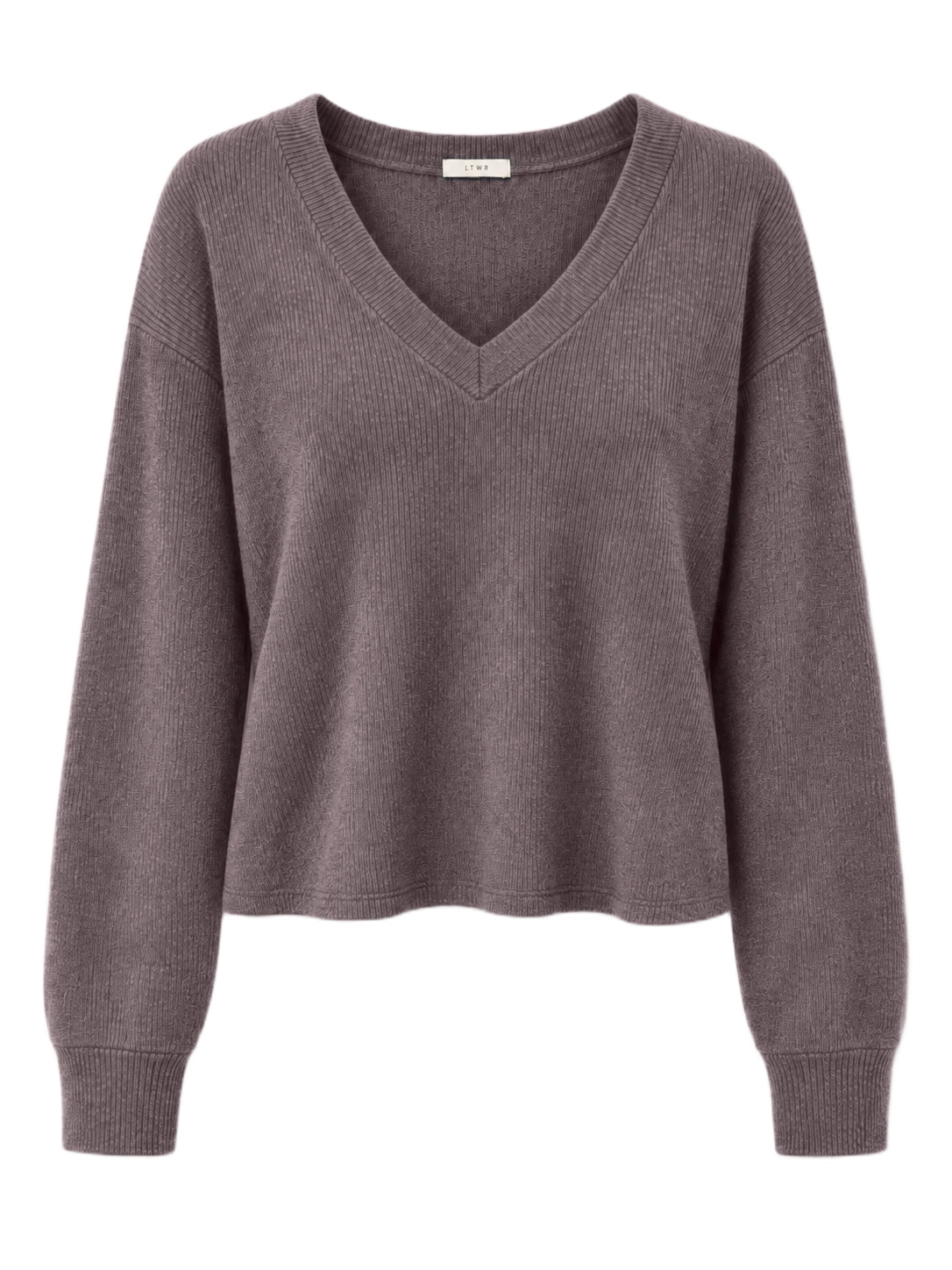
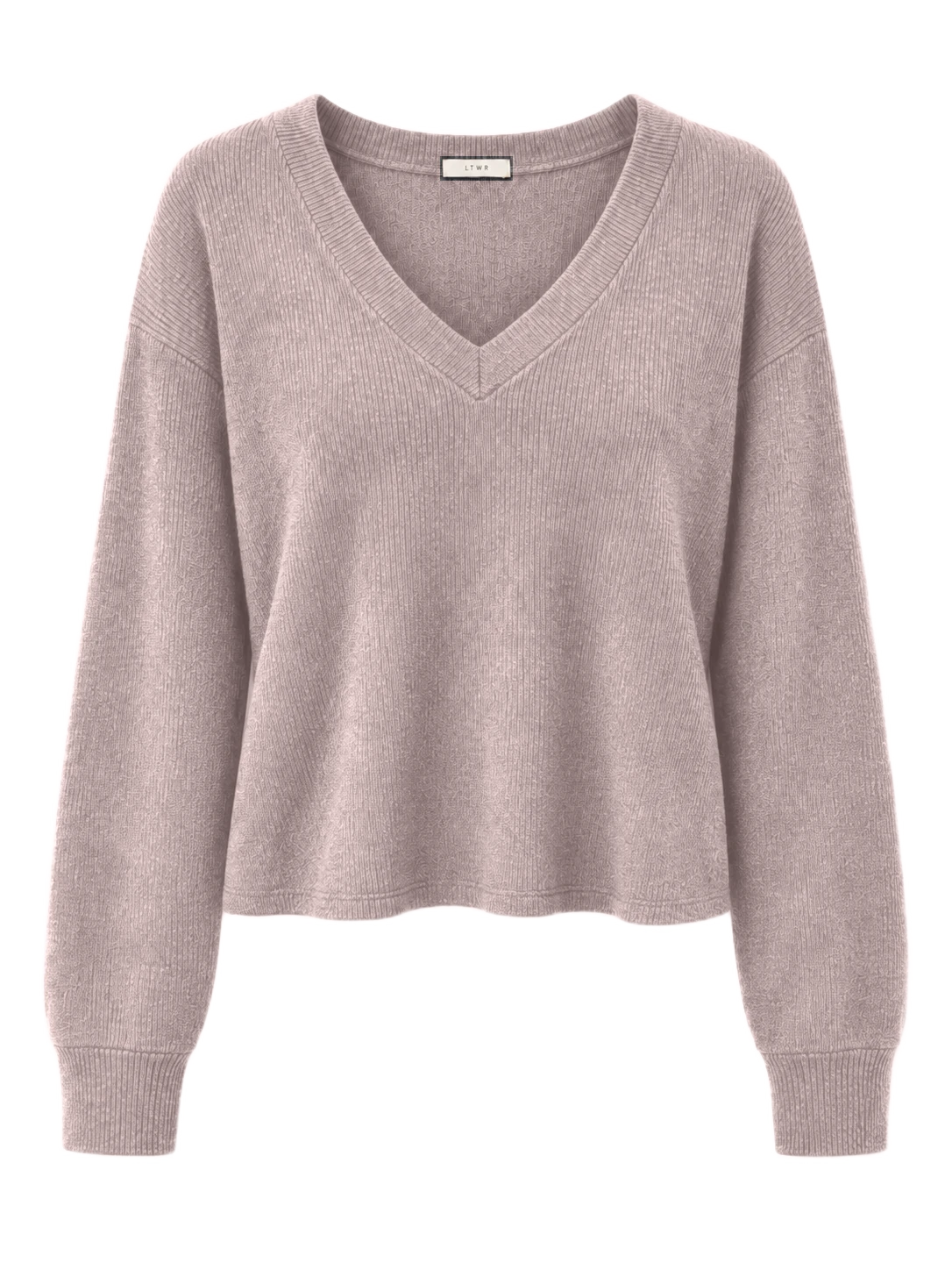
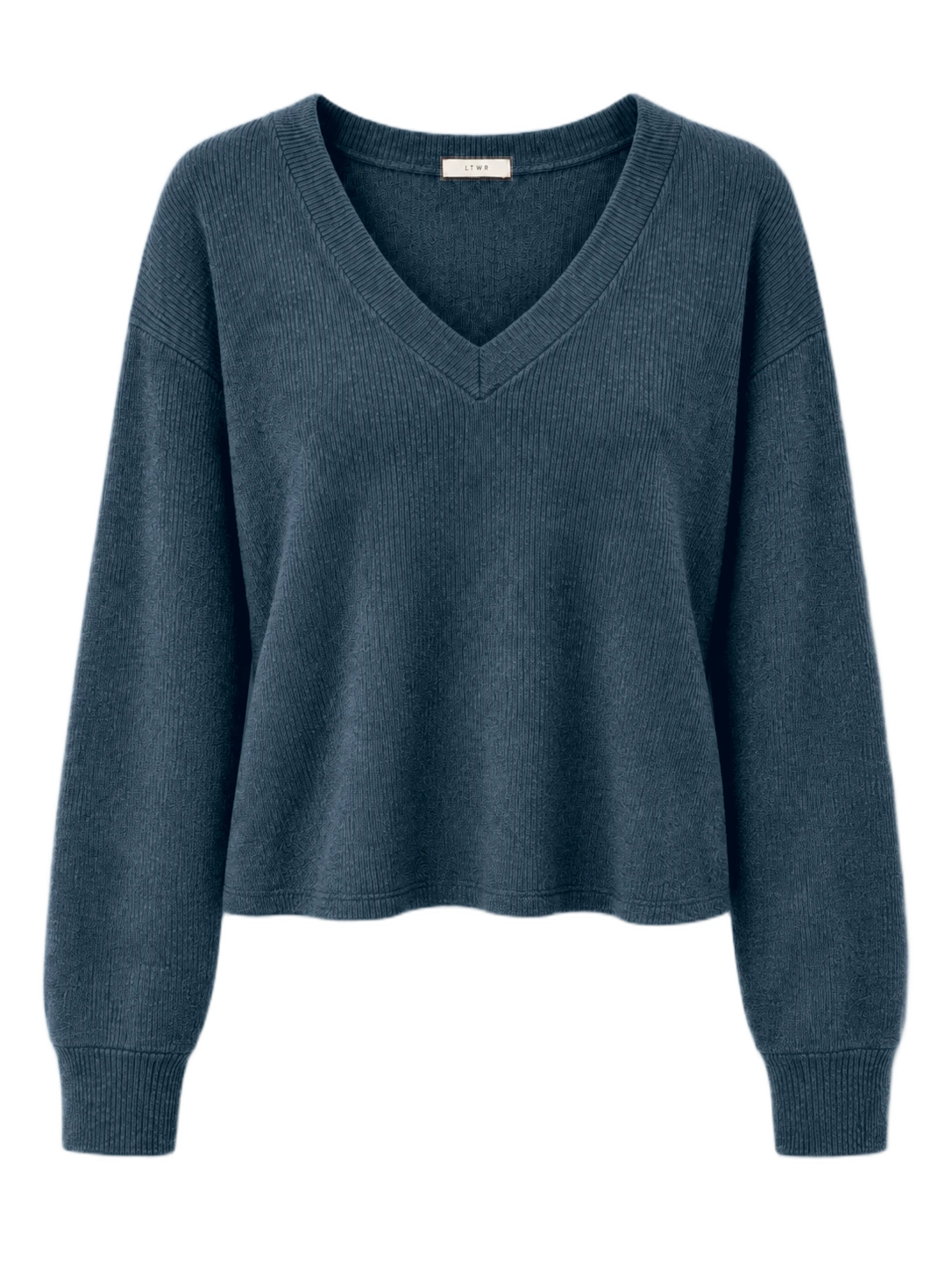
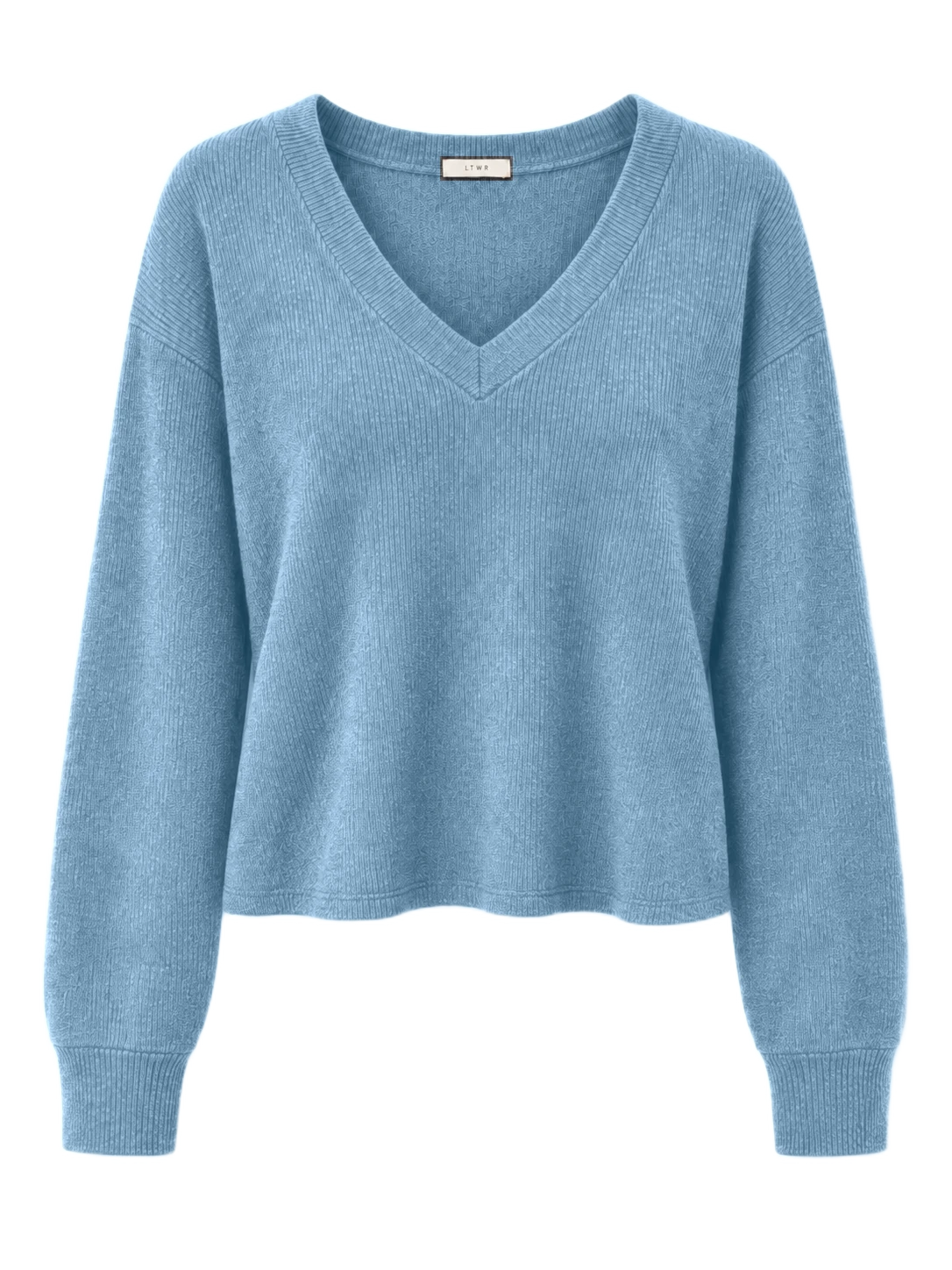
One solid-color product image.
Multiple colors, each as its own result image.
Q&A
Use Flat Fill Studio to fill a technical flat with colors and patterns. Use Batch Recolor to create solid-color options from one product image.
Both tools accept one PNG or JPG up to 20 MB. Flat Fill Studio also accepts a self-contained SVG up to 2 MB. Large images may be resized.
For pattern fills in Flat Fill Studio, import an opaque PNG, JPG or WebP up to 10 MB and 4096 × 4096 pixels.
For technical flats, use a high-resolution black-and-white sketch with clean, closed lines. Linework on a transparent background is also supported.
For product images, use one solid-color product without a person or mannequin, against a clean background. Choose a garment color that clearly shows its silhouette and details; avoid black or white when possible.
In Flat Fill Studio, create areas for details that need their own color or pattern fill. Batch Recolor uses one product-wide mask for solid colors; separate color areas and pattern fills are not supported.
Review and refine the Base in Flat Fill Studio before filling. In Batch Recolor, check and edit the product mask before creating colorways. Use Lock details to keep selected details in their original color.
Flat Fill Studio exports colorways as PNG images in a ZIP. Batch Recolor lets you download individual PNGs or selected colorways together in a ZIP.
Project saving is not available. Download the results you want to keep before closing the page or leaving your workspace.
Compact screens support review and export. Use a desktop for editing your technical flat.