
Flat Fill Studio
Give each area its own color or pattern.
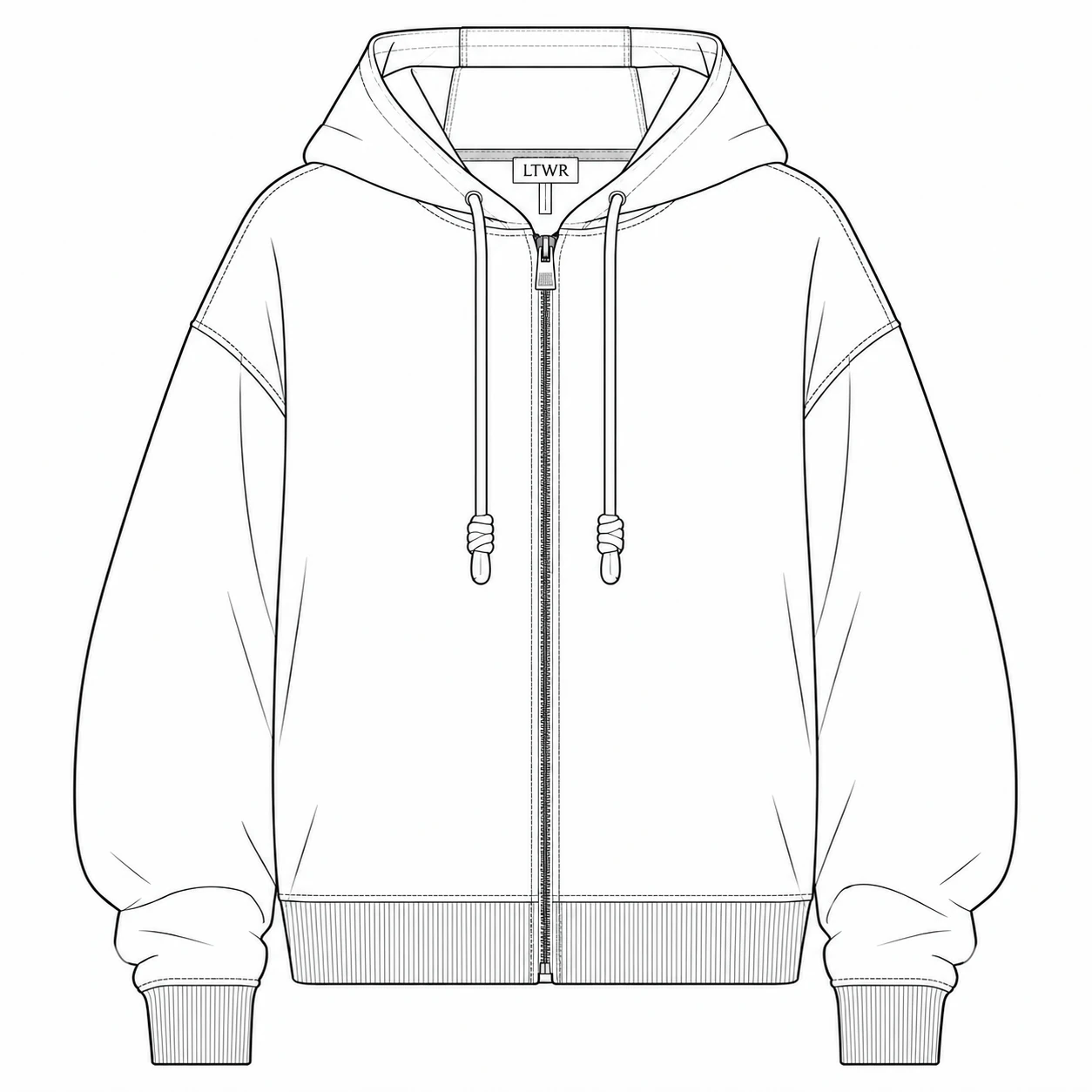
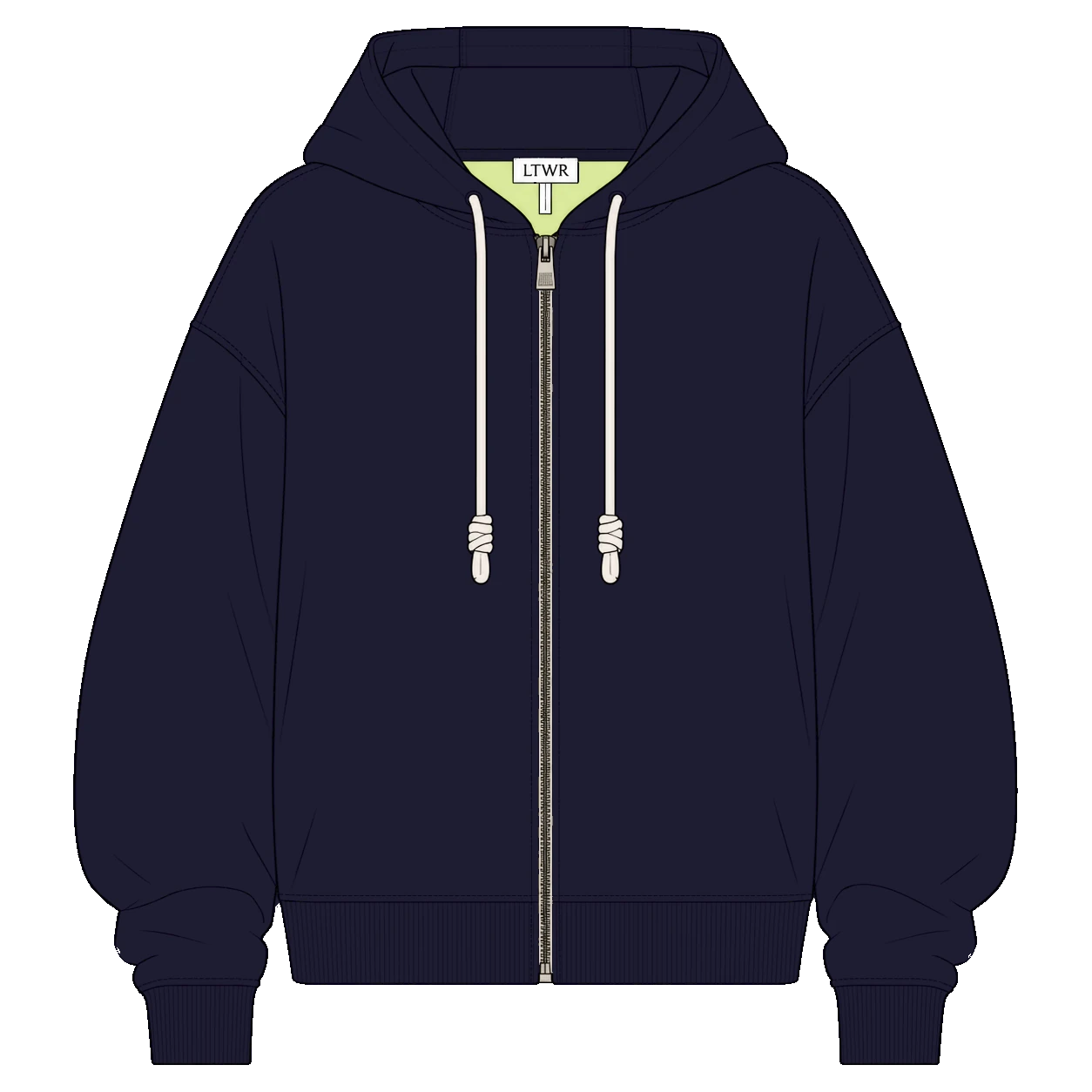
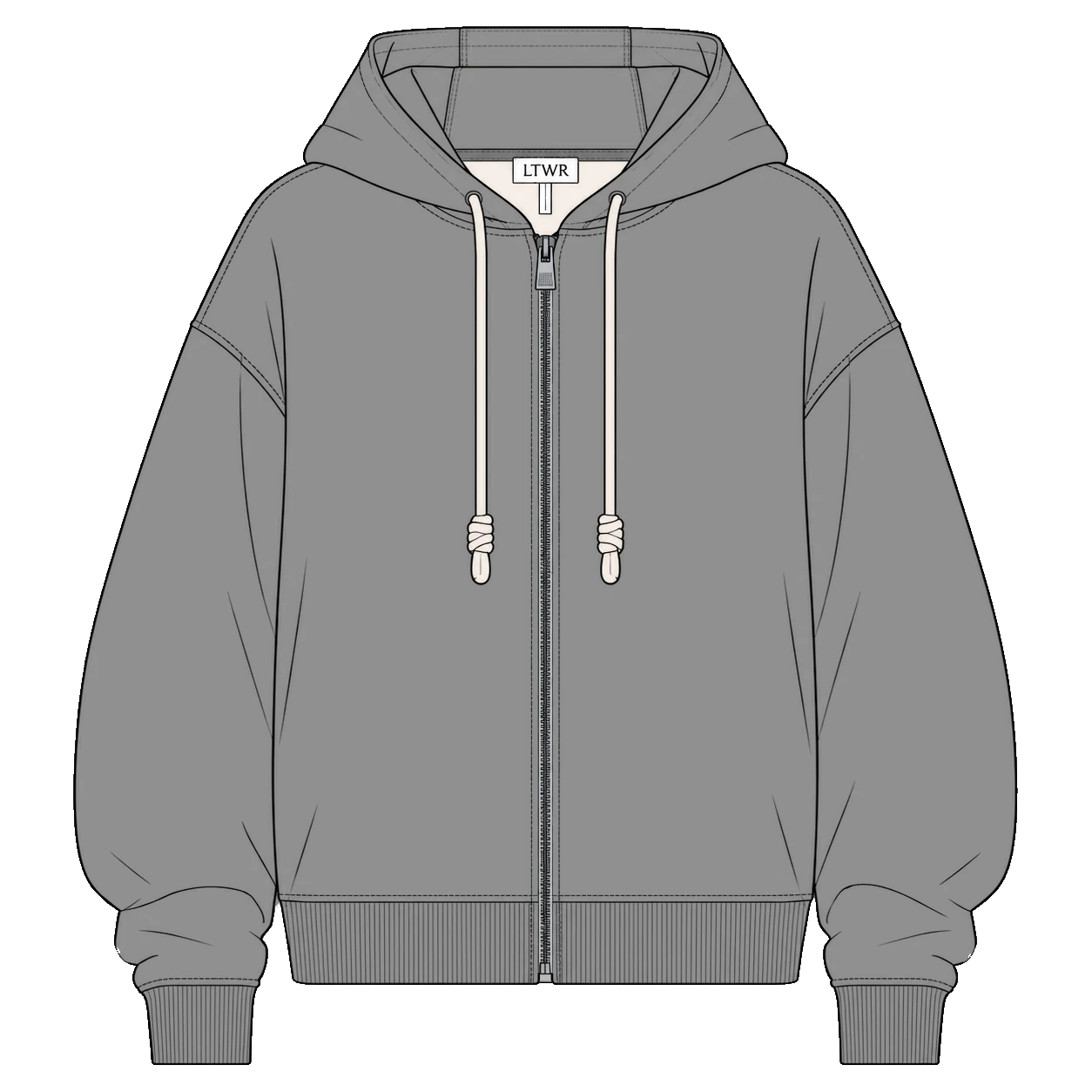
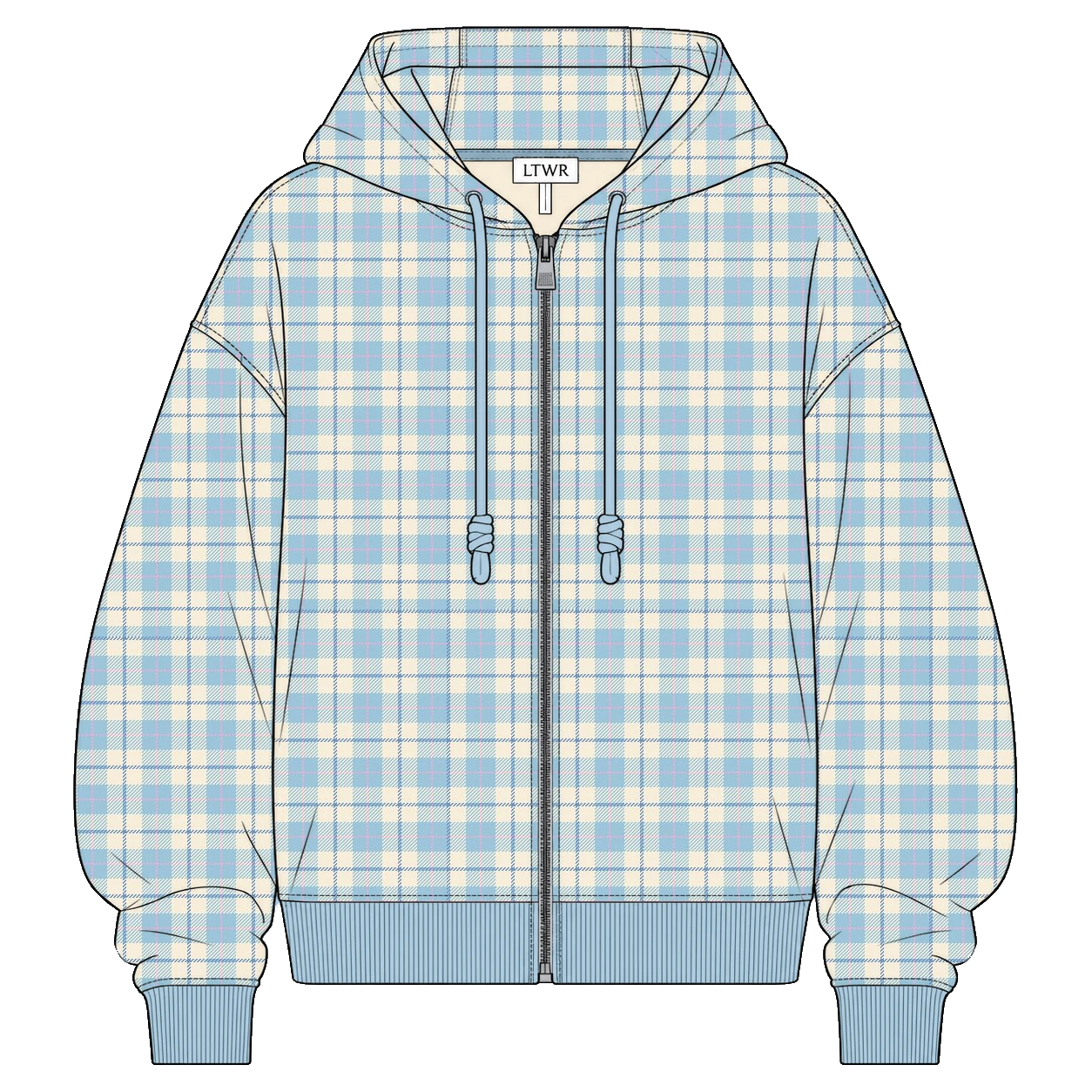
Build colorways from one technical flat.
Source guidance
Upload: PNG/JPG (max 20 MB) or self-contained SVG (max 2 MB).
Import patterns: Opaque PNG/JPG/WebP (max 10 MB, 4096 × 4096 px).
Privacy: Images are not retained after processing.
Benefits · Flat Fill Studio
Every detail stays yours.
Keep your original flat
Apply colors and patterns without regenerating the design.
Define precise color areas
Fill separate parts with different colors and patterns.
Patterns at real scale
Set realistic pattern proportions without manual calculations.
Easy from start to finish
No prompts or advanced design software needed.
Workflow · Flat Fill Studio
A clear path to colorways.
- 01
Check the base
Check the boundary of your whole garment.
- 02
Add color areas
Preview separate fill areas in selection colors.
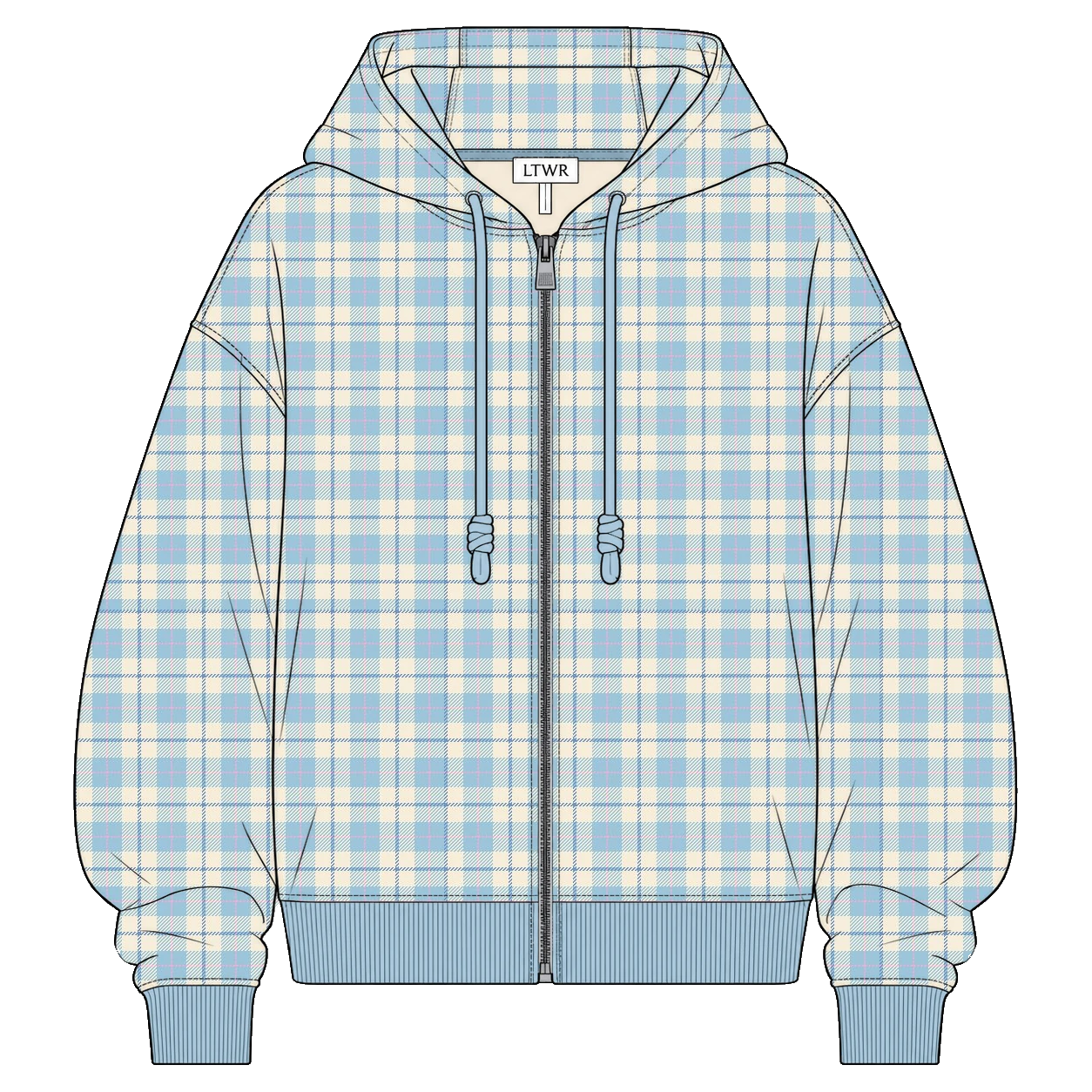 03
03Apply your fills
Give each area its own solid color or pattern.
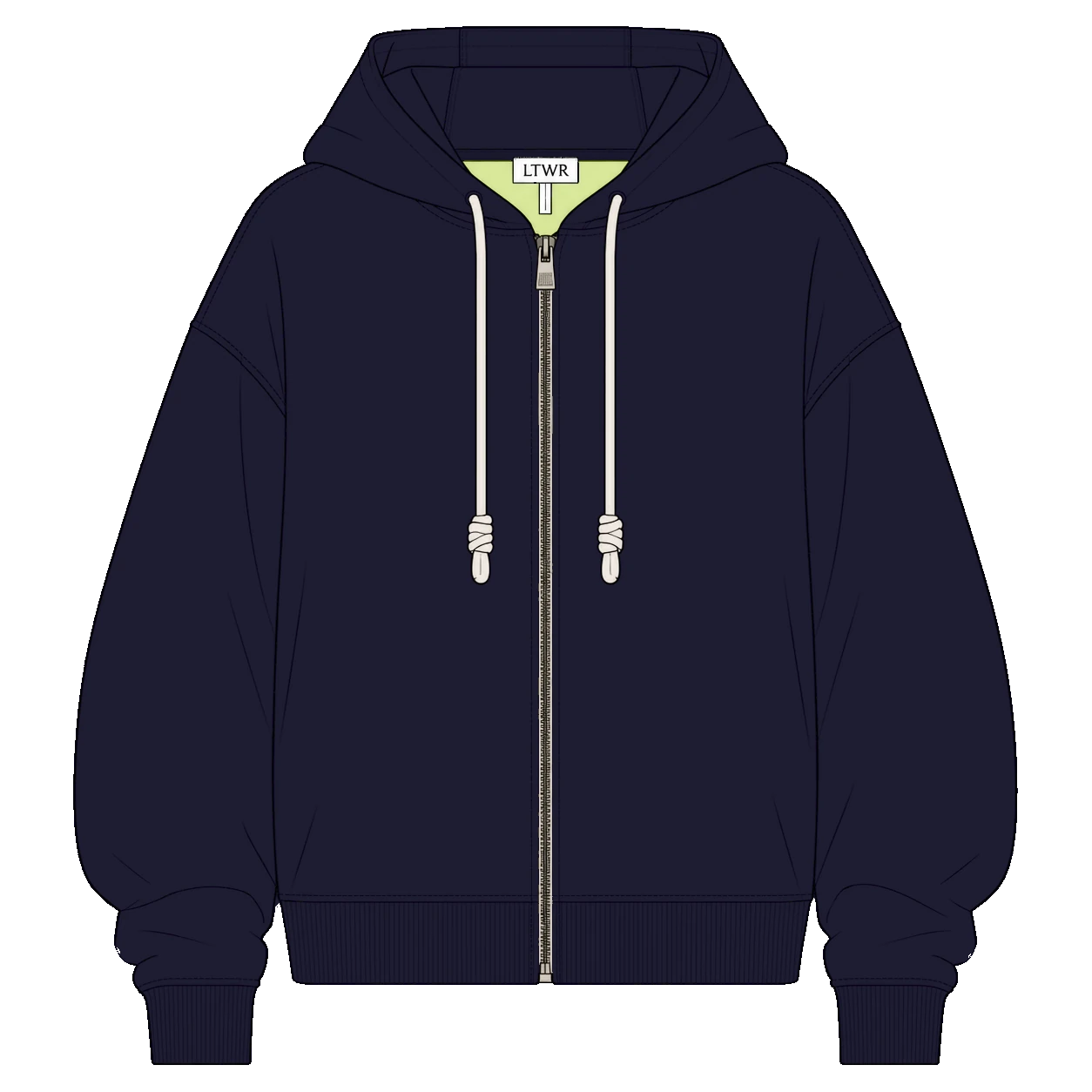
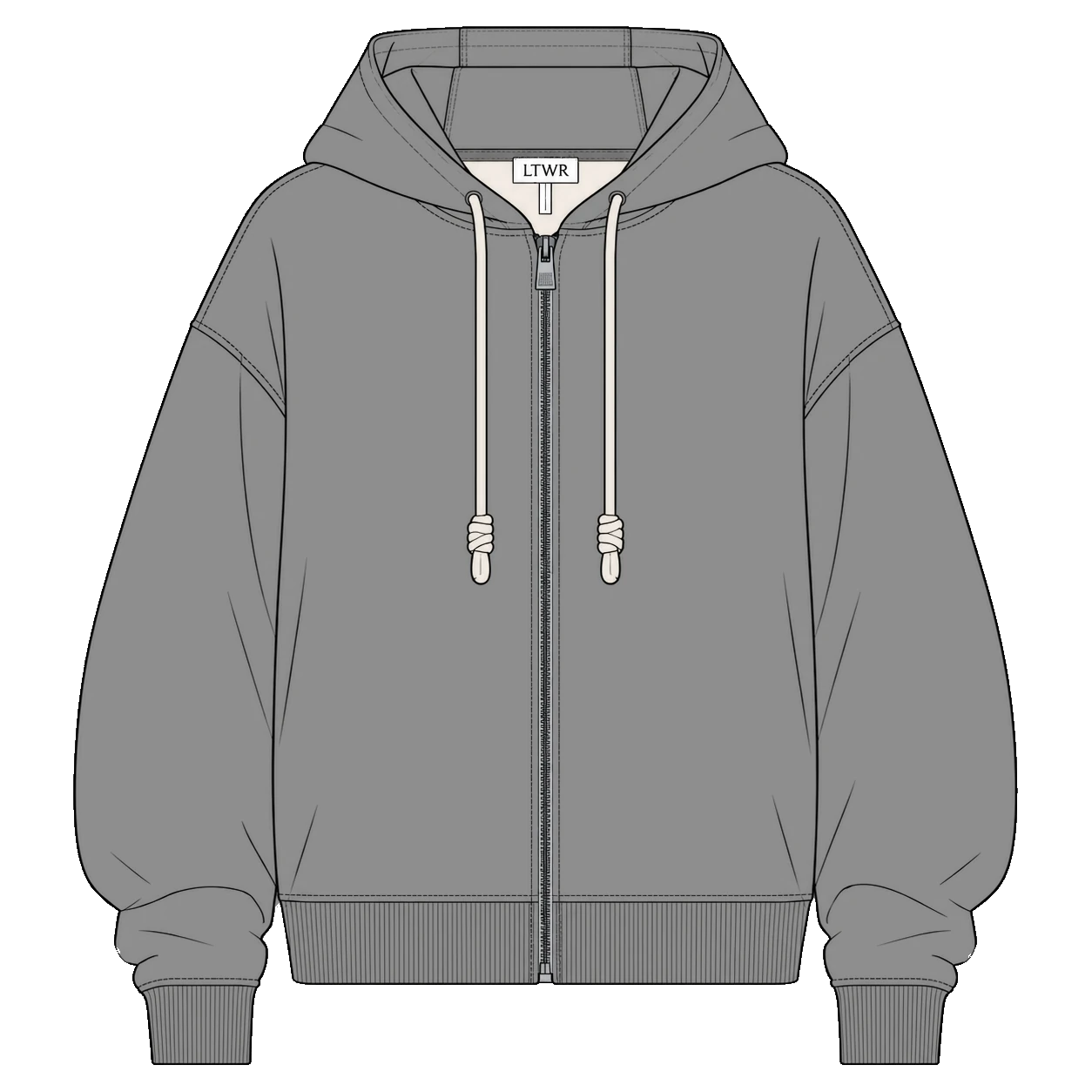 04
04Create colorways
Explore different combinations using the same areas.
Swipe or drag to explore. Use ← →, Home or End when focused.
Image guidelines
Start with the right image.
Required — Black-line sketches on a white or transparent background.
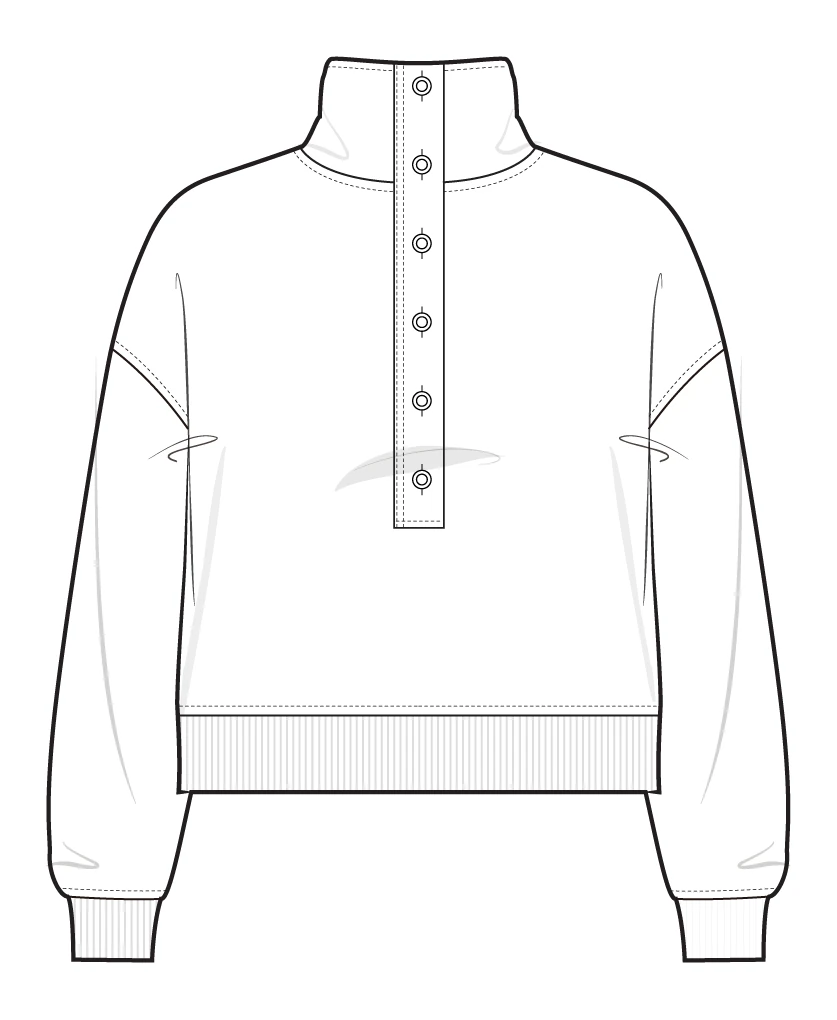
Recommended: Clean, closed lines 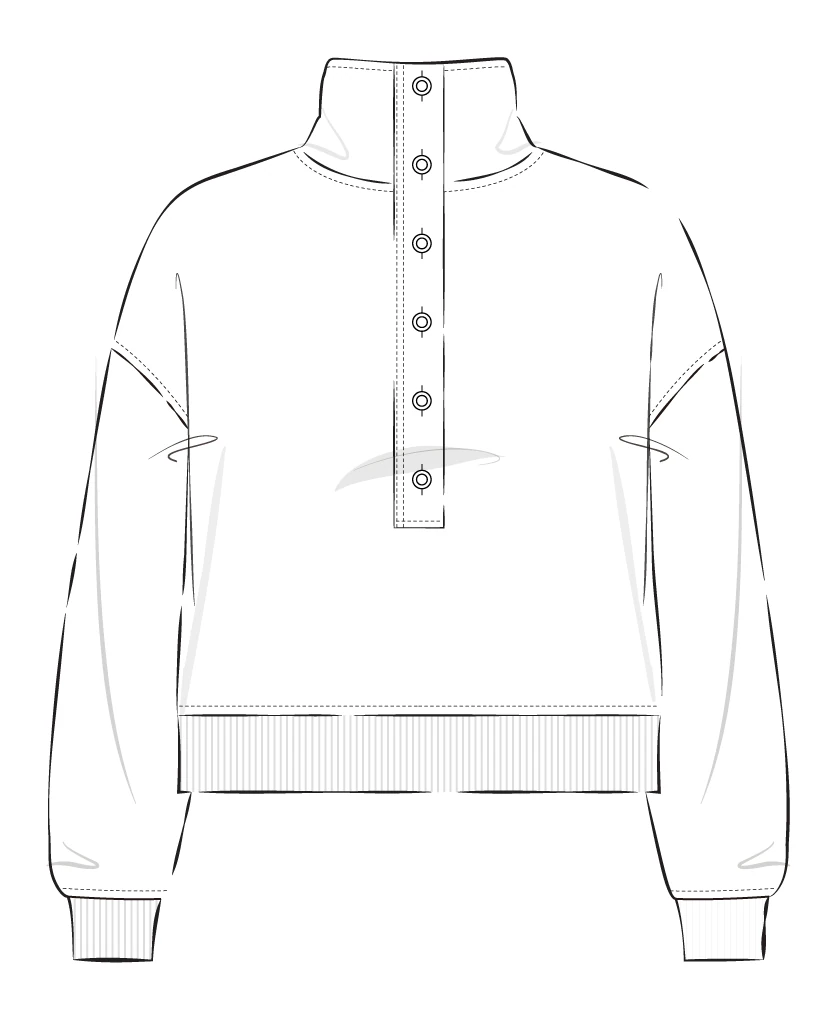
Avoid: Broken lines 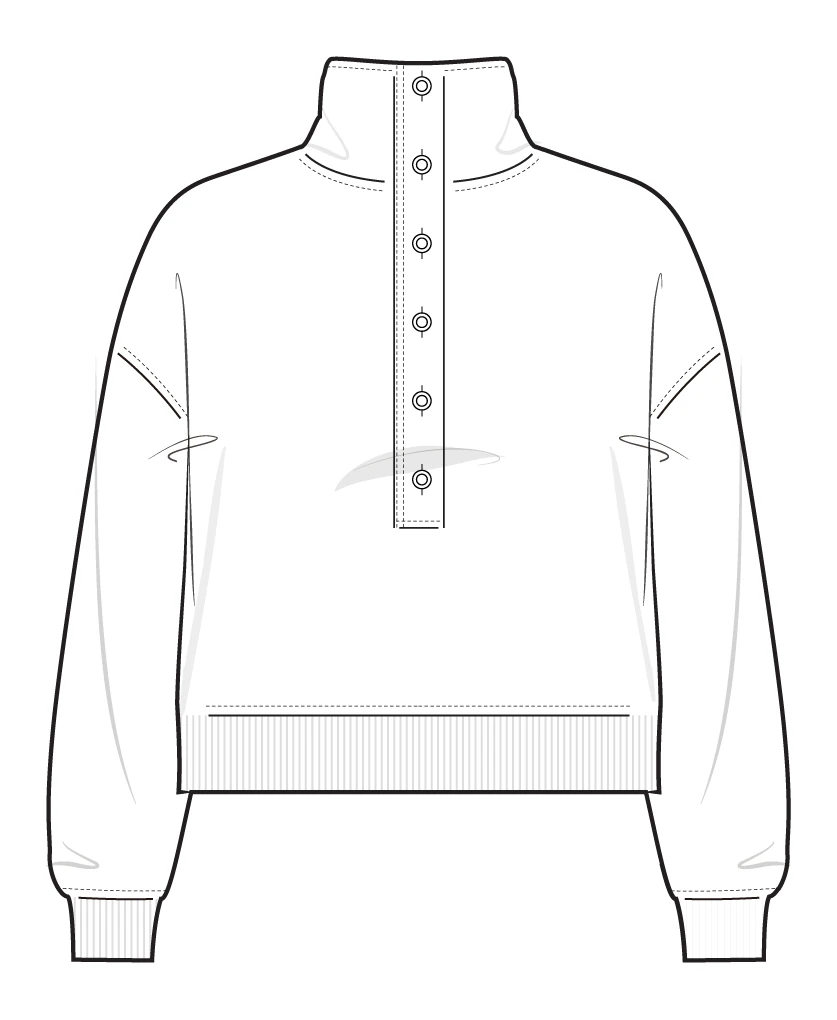
Avoid: Open areas 
Avoid: Low resolution 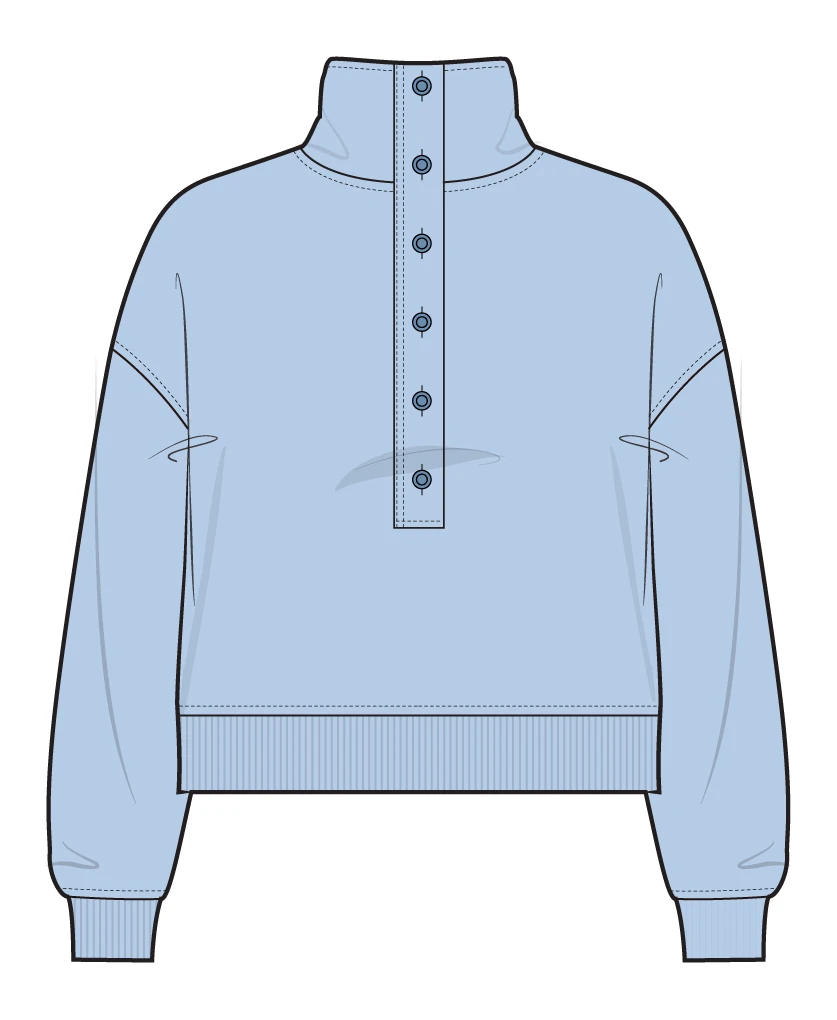
Avoid: Already-colored sketches
Finding the shape.
Preparing the Base from your artwork.
Preview only: use Zoom and Fit to review your flat.
For Pan and editing, open this workspace wider than 720px. Your flat stays in this session.